File Management
Centralize all your construction design files in one place, in an organized and secure way
Avoid rework and document loss. Centralize, organize, and control all your design files in a single place, with full traceability and security.
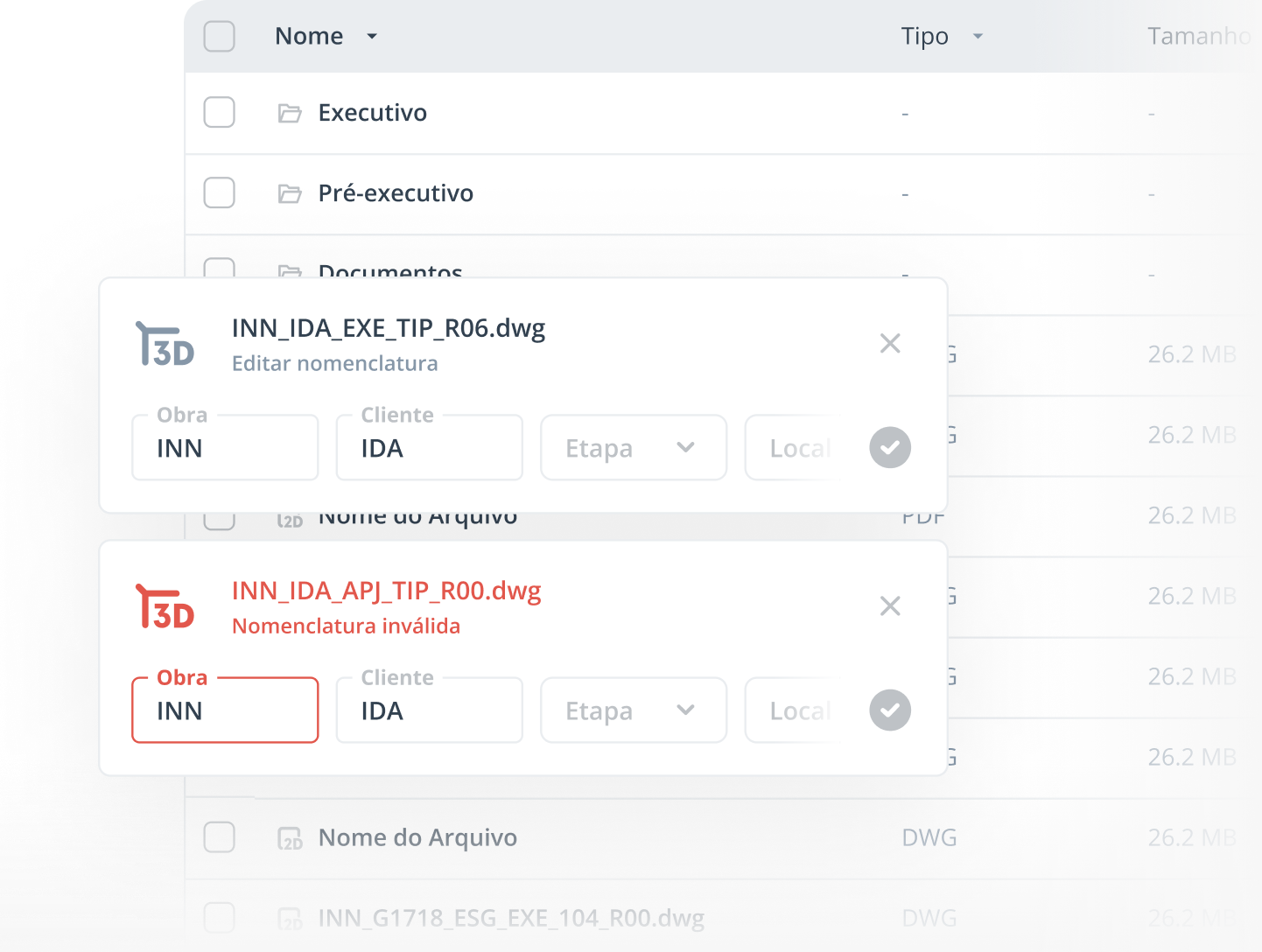
Have you faced these challenges when coordinating your construction designs?
In the construction industry, document disorganization can lead to delays, rework, and errors that compromise design efficiency. Outdated drawings, files scattered across different platforms, and lack of version control are common issues that hinder collaboration between teams.
Lack of standardization in file naming.
Absence of version control and tracking of changes.
Teams without proper document traceability throughout the design.
Lack of control over file access and editing permissions.
Put an end to these challenges with Coordly’s File Management :
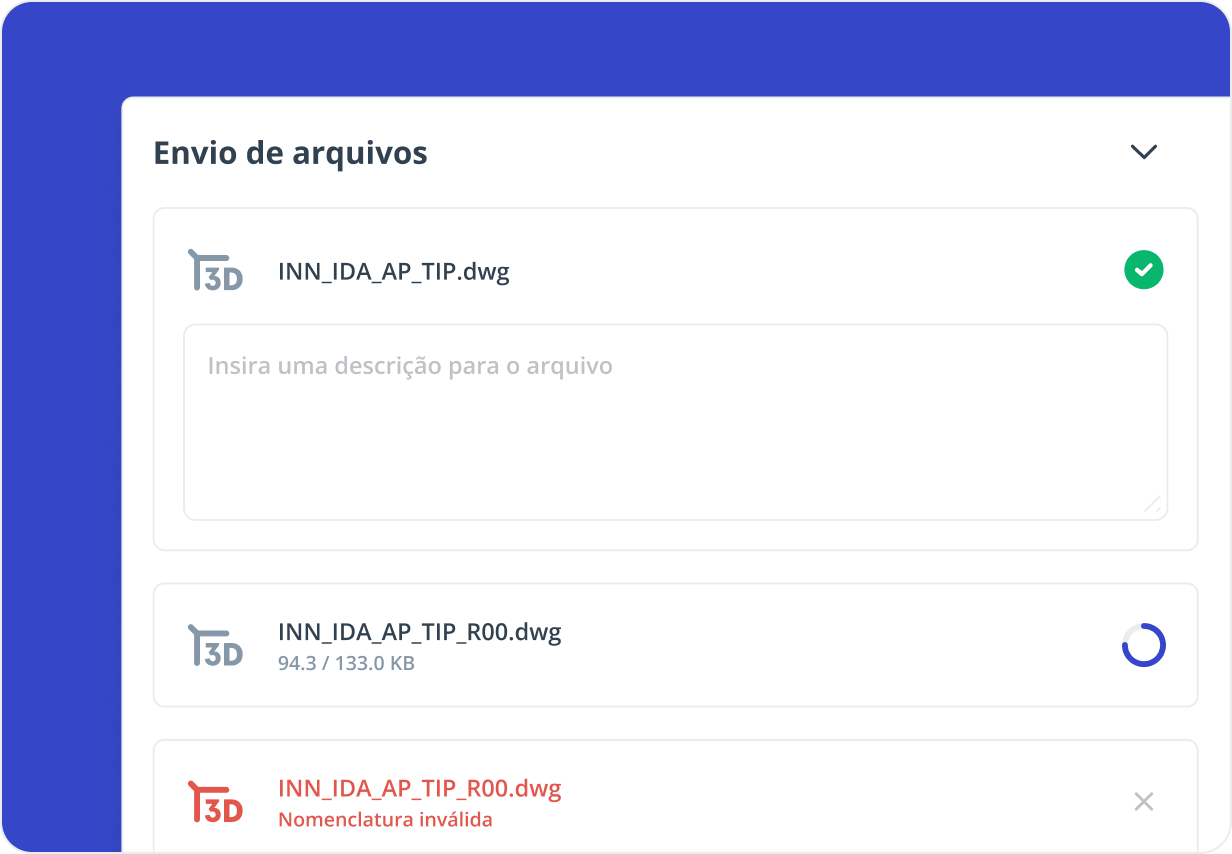
Send files with ease
Upload documents directly to the platform in a fast and intuitive way, ensuring that everyone involved has access to the most up-to-date design information.
Schedule an appointmentStandardize file naming
Set up naming conventions to ensure that all files are uploaded according to the rules defined by your company.
Schedule an appointment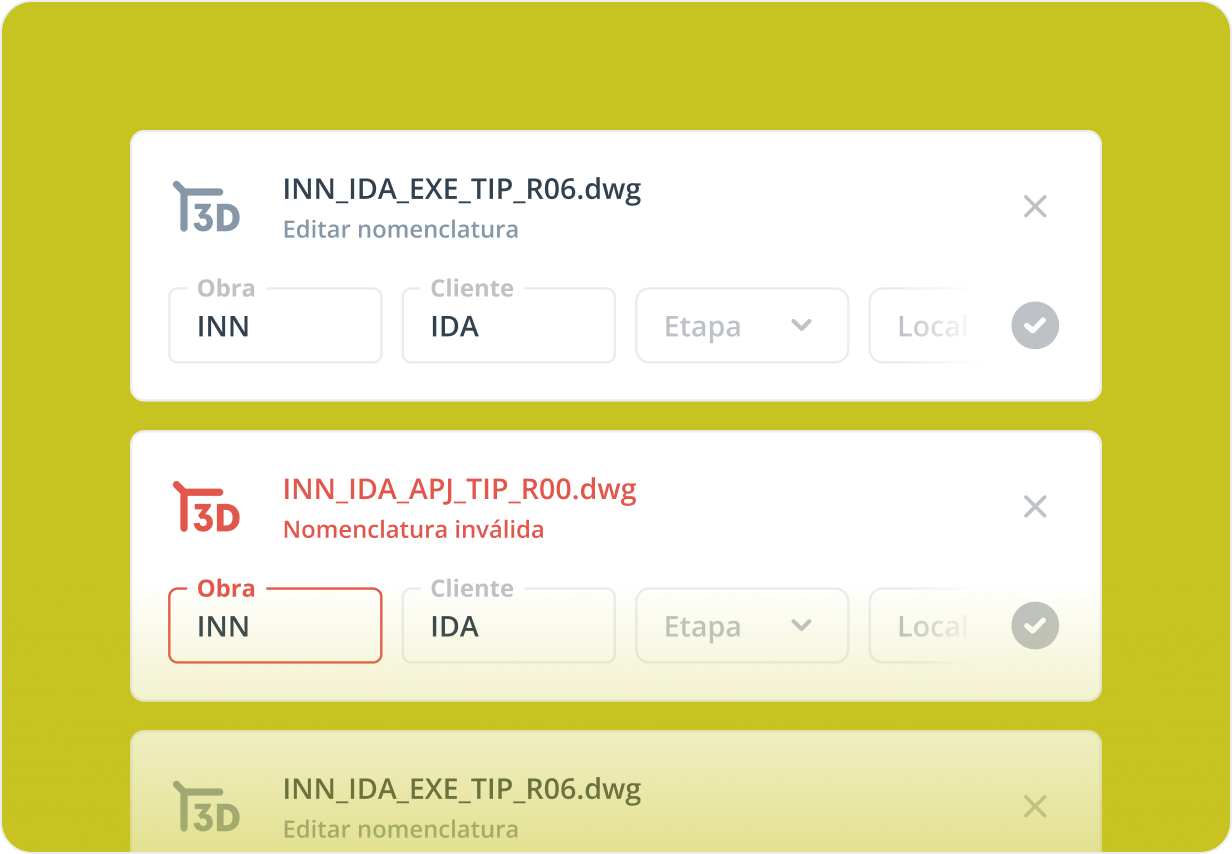
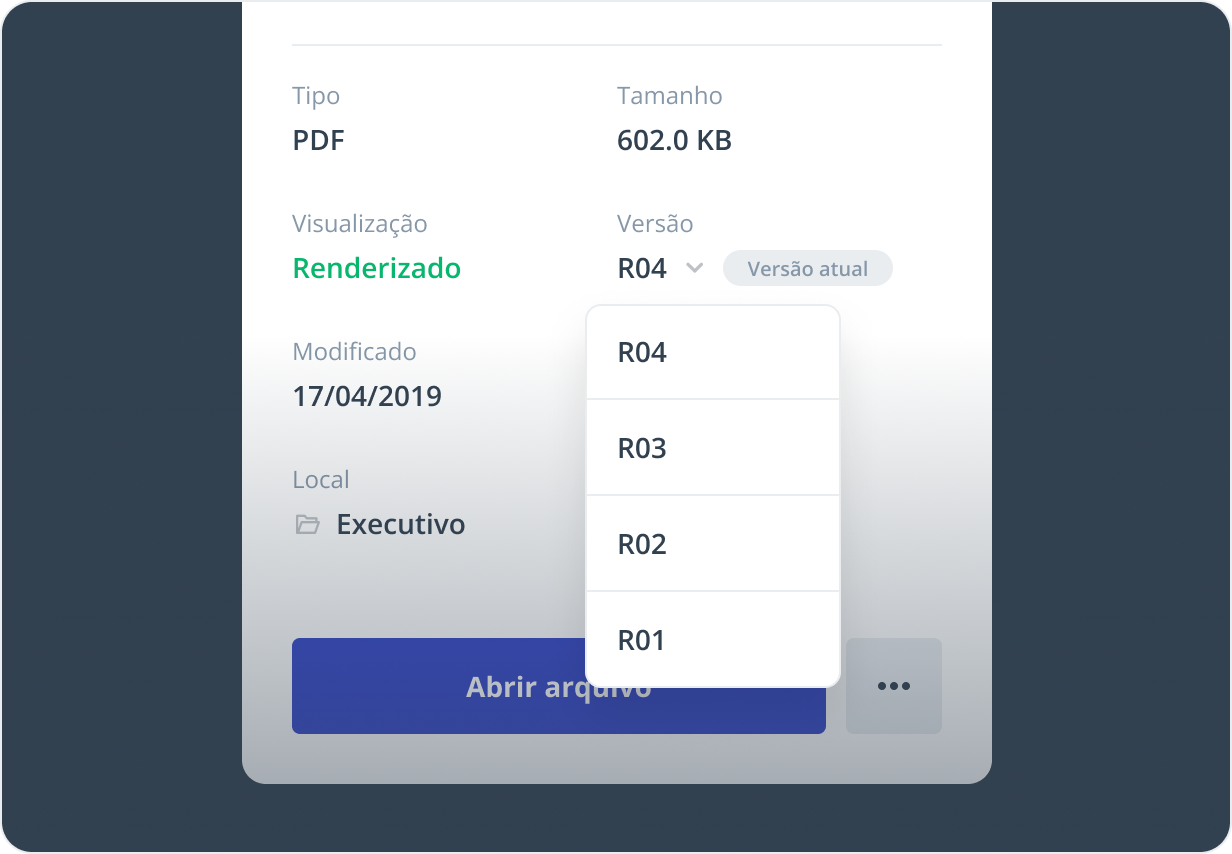
Control file versioning
Keep a complete history of all document versions and ensure your team always works with the correct one, avoiding rework and confusion caused by outdated files.
Schedule an appointment
Integrate with cloud storage services
Connect Coordly to leading cloud services such as Google Drive, OneDrive, or Dropbox, and keep your files synchronized with the workflows your team already uses.
Schedule an appointment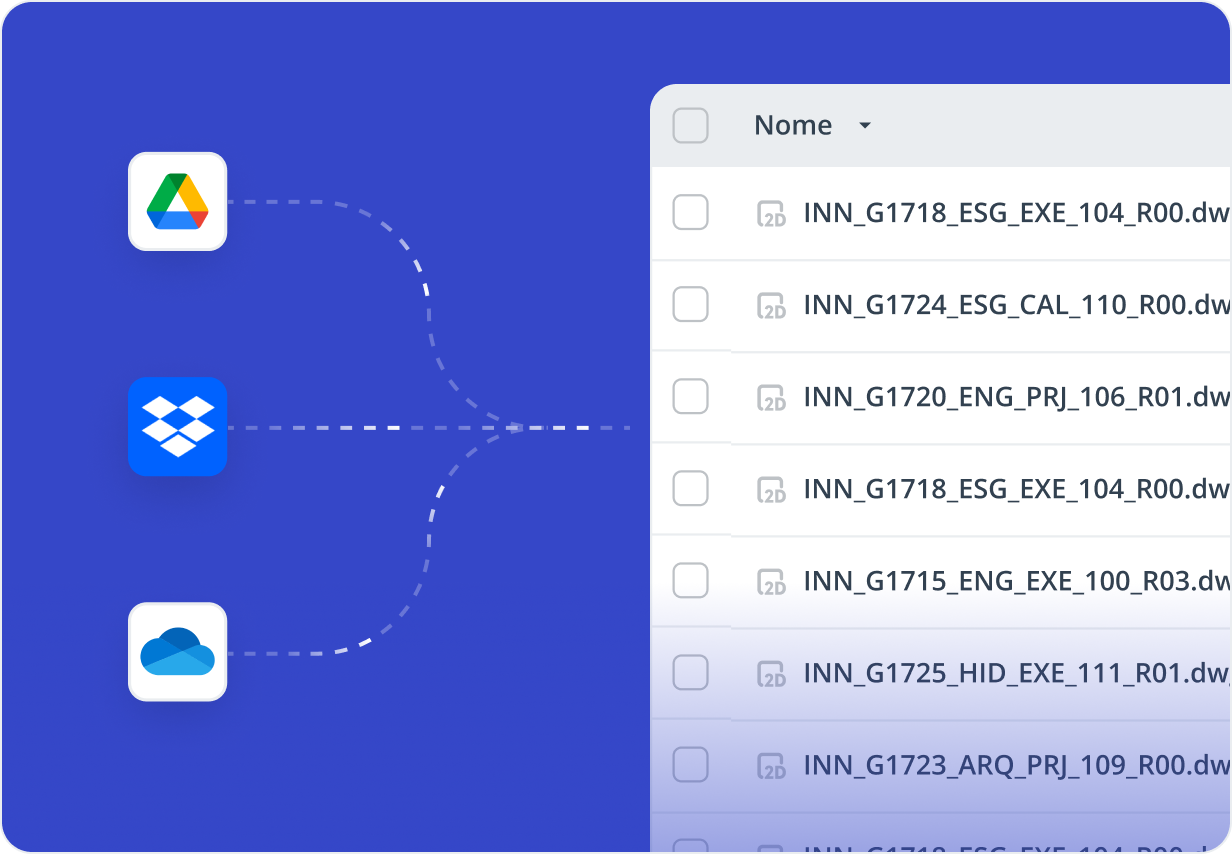
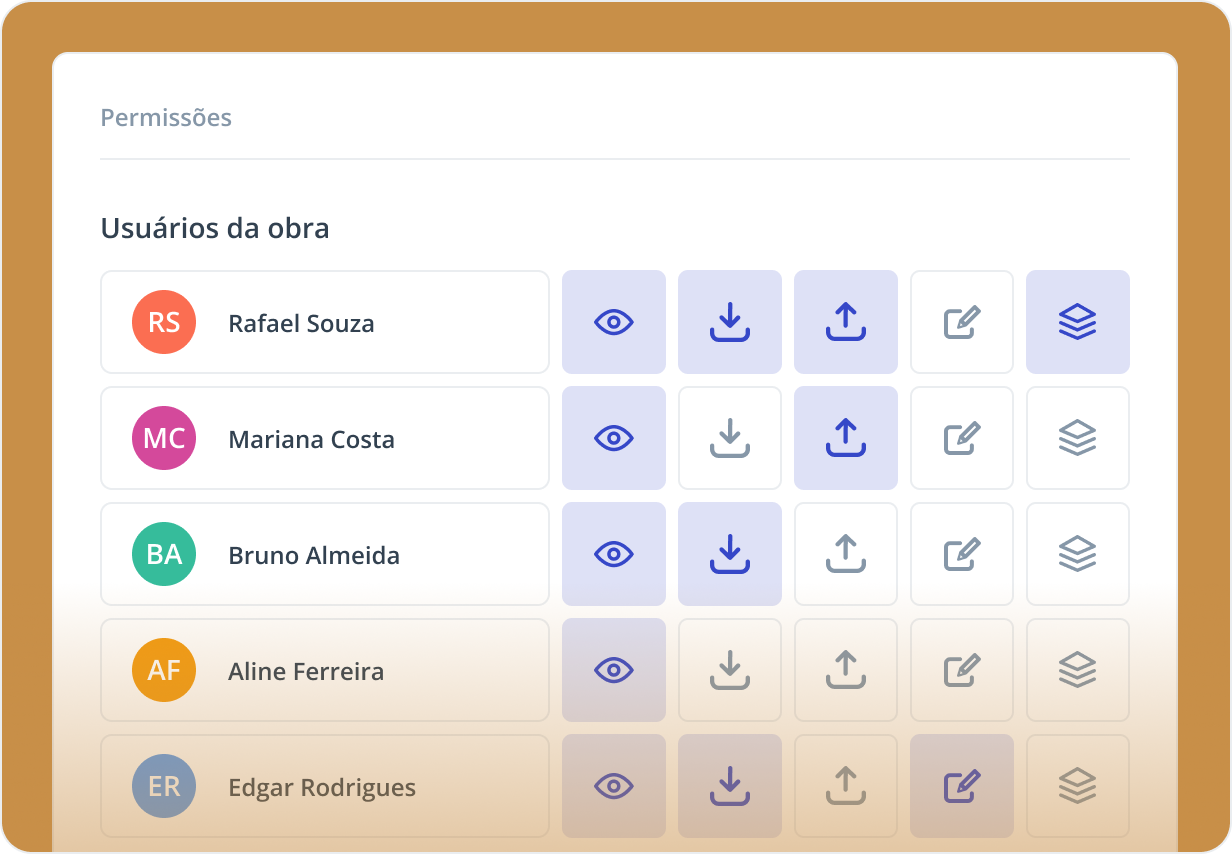
Manage access permissions
Define who can view, edit, or delete files, ensuring security, control, and compliance when sharing information.
Schedule an appointmentControl file status
Classify documents with the statuses “locked,” “released,” or “obsolete,” making it easier to track files and ensuring that everyone on the team always uses the correct and most up-to-date version of each document.
Schedule an appointment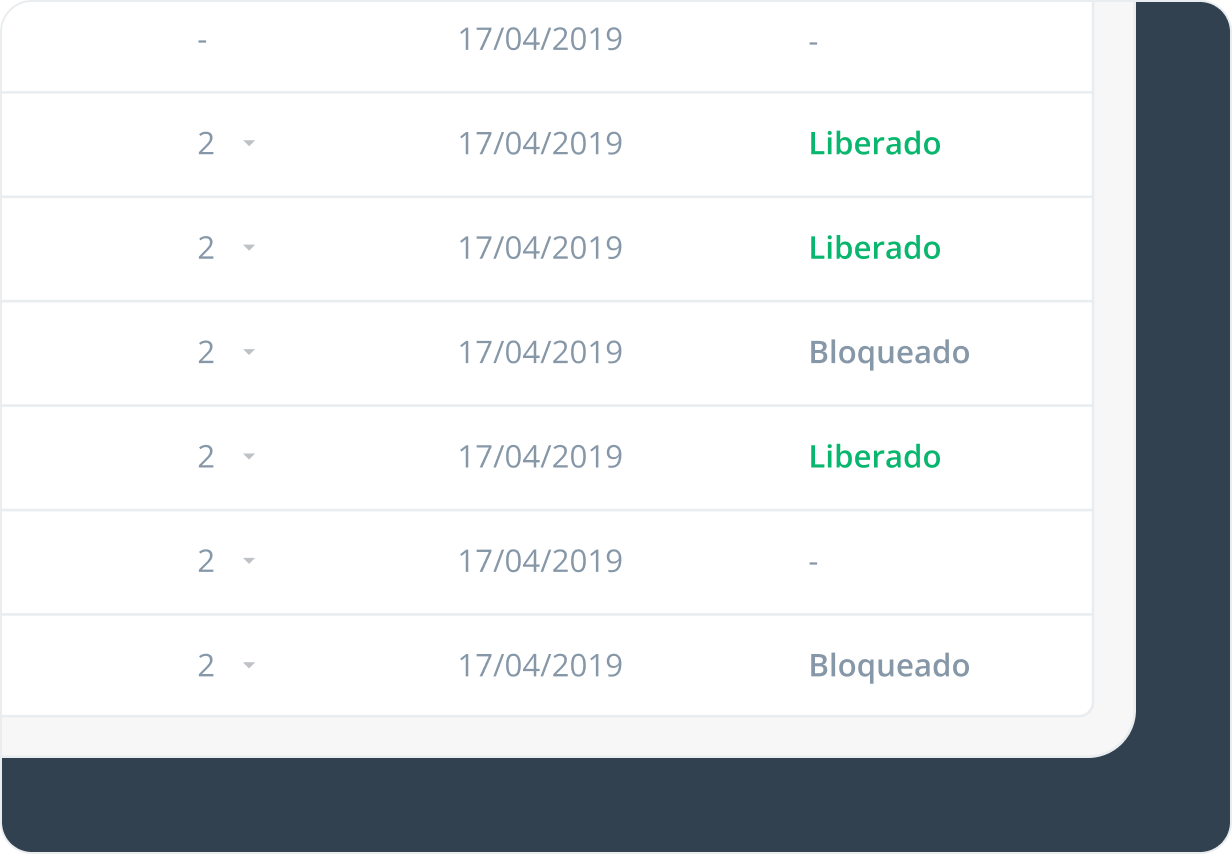
More about our features

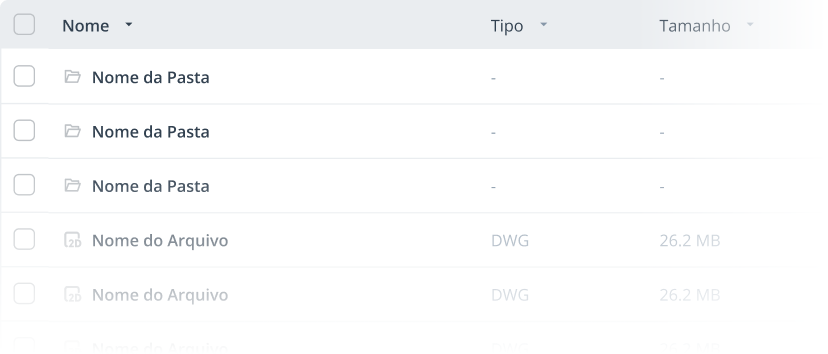
File management
Store, share, and control versions of documents with complete security and accessibility.

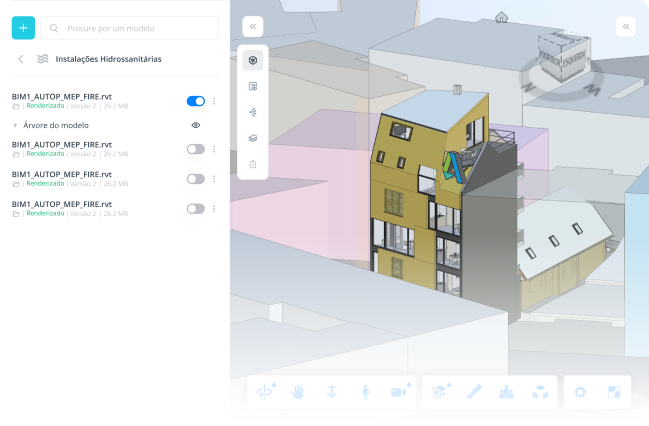
2D and 3D viewer
Visualize and interact with technical designs directly within the platform, without the need of extra software.

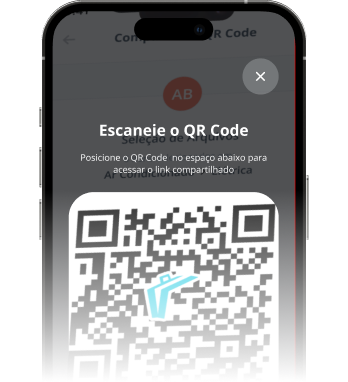
Traceability via QR Code
Quickly access any document or task with a simple scan.

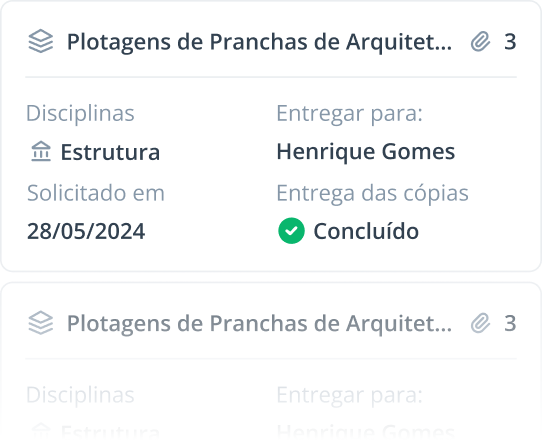
Document plot control
Manage print requests and keep track of file distribution.

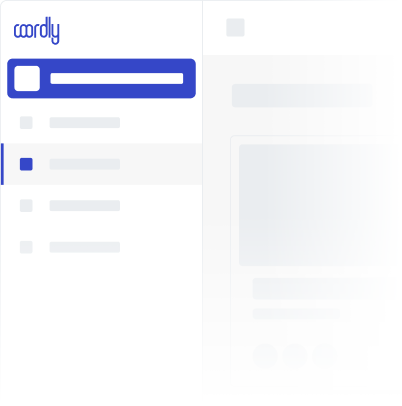
Customizability
Adjust colors and add your company logo for a personalized experience.


Task Management
Organize, delegate, and track tasks in real time to keep your designs on time.